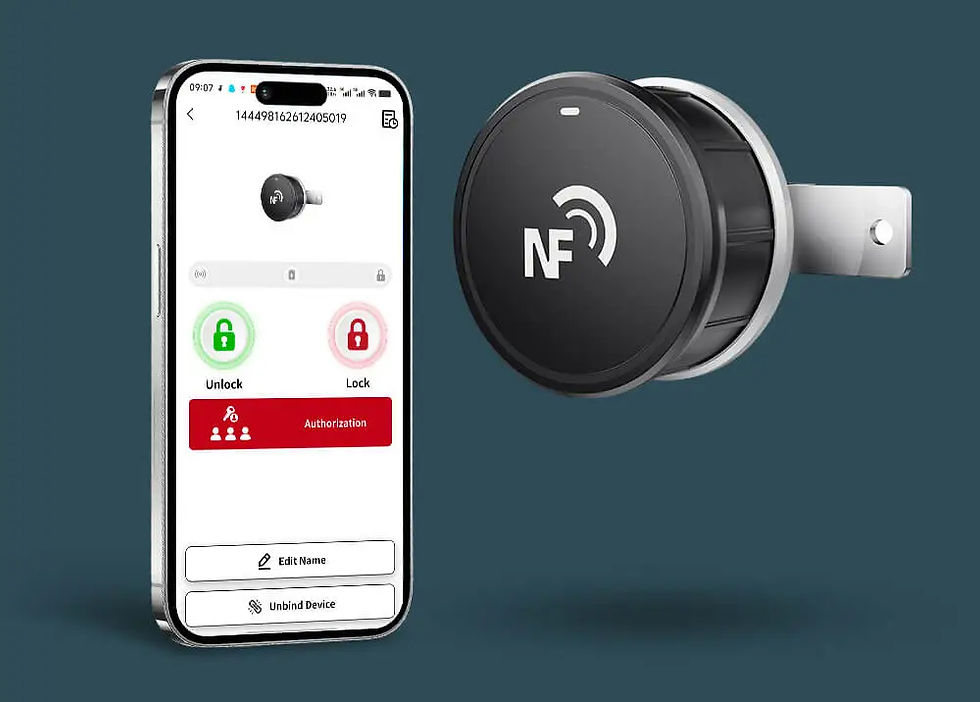
Four app downloads, two management modes
KENRONE provides standalone and online management apps. Each mode has an iOS version and an Android version, so customers can choose by both project type and phone system.
Standalone Mode
Standalone NFC Lock App
For single-user or small-site unlocking where simple setup and direct phone-to-lock operation matter most.

-
Open the lock by tapping an NFC-enabled phone near the lock body.
-
Suitable for samples, small cabinets, tool boxes, padlocks, and quick demonstrations.
-
Lower setup complexity when cloud management is not required.
-
Available as standalone iOS and standalone Android downloads.
Online Mode
Online Management App
For commercial projects where admins need to manage locks, users, permissions, and access records.

-
Manage multiple locks, users, and authorization rules from one account.
-
Designed for lockers, logistics points, cabinets, self-storage, and distributed assets.
-
Supports project workflows that need assigned users and access record review.
-
Available as online management iOS and online management Android downloads.


Quick comparison
Use this table to help customers choose the correct management mode before selecting iOS or Android.
Item | Standalone Mode | Online Management Mode |
|---|---|---|
Best for | Single lock, sample testing, simple local unlocking, small cabinet projects. | Multi-lock projects, customer accounts, operator control, access record management. |
Available platforms | Standalone iOS app and standalone Android app. | Online management iOS app and online management Android app. |
Setup | Choose iOS or Android, install app, turn on NFC, add or select lock, tap phone to unlock. | Choose iOS or Android, install app, log in with an assigned account, bind locks, assign users, manage access. |
Management | Local operation focused on unlocking and simple lock use. | Project operation focused on users, locks, groups, records, and support control. |
Recommended CTA | Download the standalone iOS or Android version and follow the installation steps. | Contact KENRONE to confirm account setup, then download the iOS or Android online version. |
Before You Start
-
Make sure your phone supports NFC.
-
Turn on NFC in phone settings.
-
Keep the phone close to the lock during unlocking.
-
Use the account provided by KENRONE or your system admin for the online iOS or Android version.
Installation Steps
01
Download the app
Use the correct download link or QR code for one of the four versions: standalone iOS, standalone Android, online iOS, or online Android.
02
Install and open
Allow the required phone permissions and keep NFC enabled during setup.
03
Log in or start local use
The online iOS and Android apps require an account. The standalone iOS and Android apps can be used for direct local operation.
04
Add or select the lock
Bind the lock, select the target lock, or follow your administrator's project instructions.
05
Tap the phone near the lock
Place the phone close to the NFC sensing position and wait for the lock to respond.